12 High-Speed FPV Drone Prompts for Veo
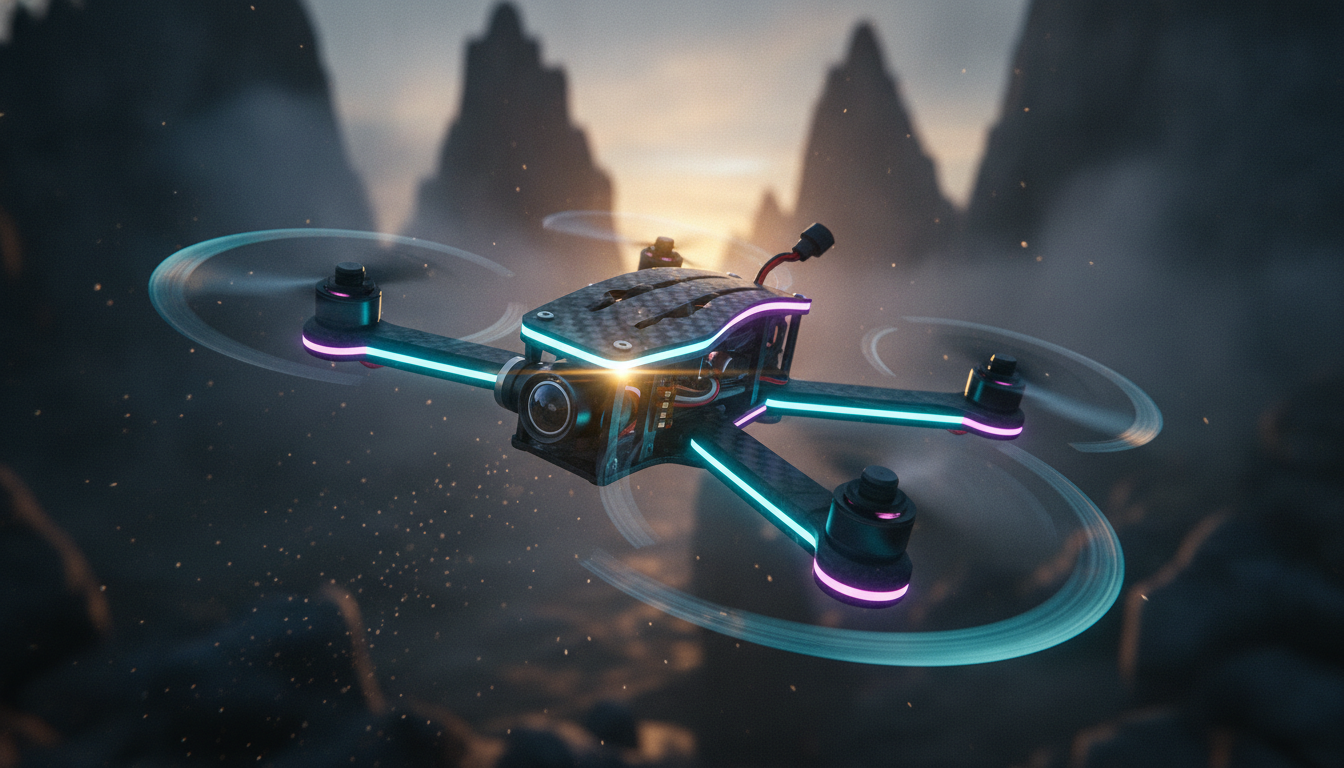
High-speed drone footage brings instant excitement to any video project. Thanks to new generative video models, creating immersive First Person View (FPV) shots is easier than ever. In this guide, I'm Deepak, and I will show you how to write the best google veo fpv drone prompts to get hyper-realistic action shots without renting expensive flight gear.
Mastering google veo cinematic drone prompts requires describing realistic flight dynamics, camera angles, speed, and environmental cues. Whether you want to fly through tight canyon gaps or chase drifting race cars, these tested fpv drone prompts for google veo will deliver crisp 4K visual results with convincing motion blur.
1. Neon Cyberpunk Alley Flying Pass
Use Case: Perfect for sci-fi film intros, music videos, and futuristic teaser trailers.
Expert Insight: Specifying an ultra-wide lens dynamic (like 18mm or 12mm) forces Google Veo to render realistic perspective distortion near the edges, enhancing the perception of rapid forward speed.
2. Red Rock Canyon Vertical Cliff Dive
Use Case: Ideal for outdoor brand commercials and adventure travel vlogs.
Expert Insight: Describing both the acceleration down and the sharp pull-up action helps the AI model render coherent vertical-to-horizontal transitions without visual glitching.
3. Formula 1 Track Low-Altitude Chase
Use Case: Great for automotive promos, sports highlights, and high-octane action sequences.
Expert Insight: Use specific speed metrics (like 120mph) and physical reference points like asphalt or barriers to give Google Veo clear cues for applying motion blur.
4. Glacial Ice Cave Tunnel Rush
Use Case: Fantastic for nature documentaries and extreme sports visual effects.
Expert Insight: Adding sensory cues like lighting refractions and lens flares prompts the model to generate rich reflections that react dynamically to camera speed.
5. Misty Forest Tree Slalom
Use Case: Atmospheric narrative openers and mystery thriller video clips.
Expert Insight: Combining foggy atmospheric conditions with dense foreground obstacles creates maximum parallax effect, making the drone flight feel significantly faster.
6. Abandoned Industrial Power Loop
Use Case: Extreme drone showcase reels, action movie scenes, and gaming cinematic trailers.
Expert Insight: Terms like 'power-loop' or 'inverted dive' direct Google Veo to simulate realistic acrobatics and natural camera tilts.
7. Volcanic Lava Flow Ridge Run
Use Case: High-impact visual effects shots and cinematic earth science features.
Expert Insight: Mentioning environmental distortions like 'heat haze waves' guides the visual generator to create grounded, atmospheric realism during fast flight.
8. Ocean Cliff Wave Breaker Run
Use Case: Dramatic coastal travel videos and cinematic water action scenes.
Expert Insight: Splattering effects like 'water droplets on lens' sell the camera proximity, making virtual FPV shots look authentic.
9. Snowy Mountain Knife-Edge Ridge Walk
Use Case: Winter sports edits, expedition videos, and epic adventure reels.
Expert Insight: Explicitly commanding a 'dynamic horizon tilt' ensures the camera mimics a real acrobat FPV quadcopter banking into high-G turns.
10. Urban Skyscraper Wall Drop
Use Case: Architectural showcases, commercial bumpers, and urban thrill sequences.
Expert Insight: Requesting architectural reflections along glass surfaces creates motion lines that make vertical drops feel dramatically faster.
11. Drifting Supercar Orbiting Chase
Use Case: Automotive media campaigns, motorsport promos, and action sequences.
Expert Insight: Describing complex relative movement (e.g., 'orbiting while car drifts') helps Google Veo maintain dual-subject tracking without breaking focus.
12. Jungle Waterfall Cavern Plunge
Use Case: Tropical travel montages, nature doc intros, and environmental storytelling.
Expert Insight: Linking natural elements (waterfall cascade) with camera path (side-by-side drop) keeps environmental physics aligned with camera motion.
Using high-quality google veo fpv drone prompts unlocks endless possibilities for creators wanting fast, cinematic action without real-world risks or gear costs. By incorporating specific details about focal lengths, proximity, speed metrics, and camera roll angles into your google veo drone shot prompts, you get smooth and realistic video clips every single time.
Expert's Final Verdict: When writing fpv drone prompts for google veo, always focus on the motion path and physical environment cues. Combining lens specs like 18mm with lighting conditions and rapid flight terms will yield the most engaging high-speed results.
Frequently Asked Questions
What makes an FPV drone prompt different from normal drone prompts in Google Veo?
FPV (First Person View) prompts emphasize rapid forward movement, close proximity to obstacles, wide-angle lens distortion, and sharp banking turns (horizon tilt) that mimic manual acrobatic quadcopter flight rather than smooth, static camera movements.
How do I make high speed drone prompts google veo videos look faster?
Include key speed cues in your text prompt like 'ultra-wide lens', 'skimming ground level', 'narrow gaps', and 'heavy motion blur on background edges'. Flying close to physical obstacles always makes speed feel much faster.
Can Google Veo generate smooth acrobatic maneuvers like power loops?
Yes, Google Veo understands flight terminology like 'power loop', 'vertical dive', 'slalom', and 'banked turn'. Be explicit about where the maneuver starts and ends in your prompt description.