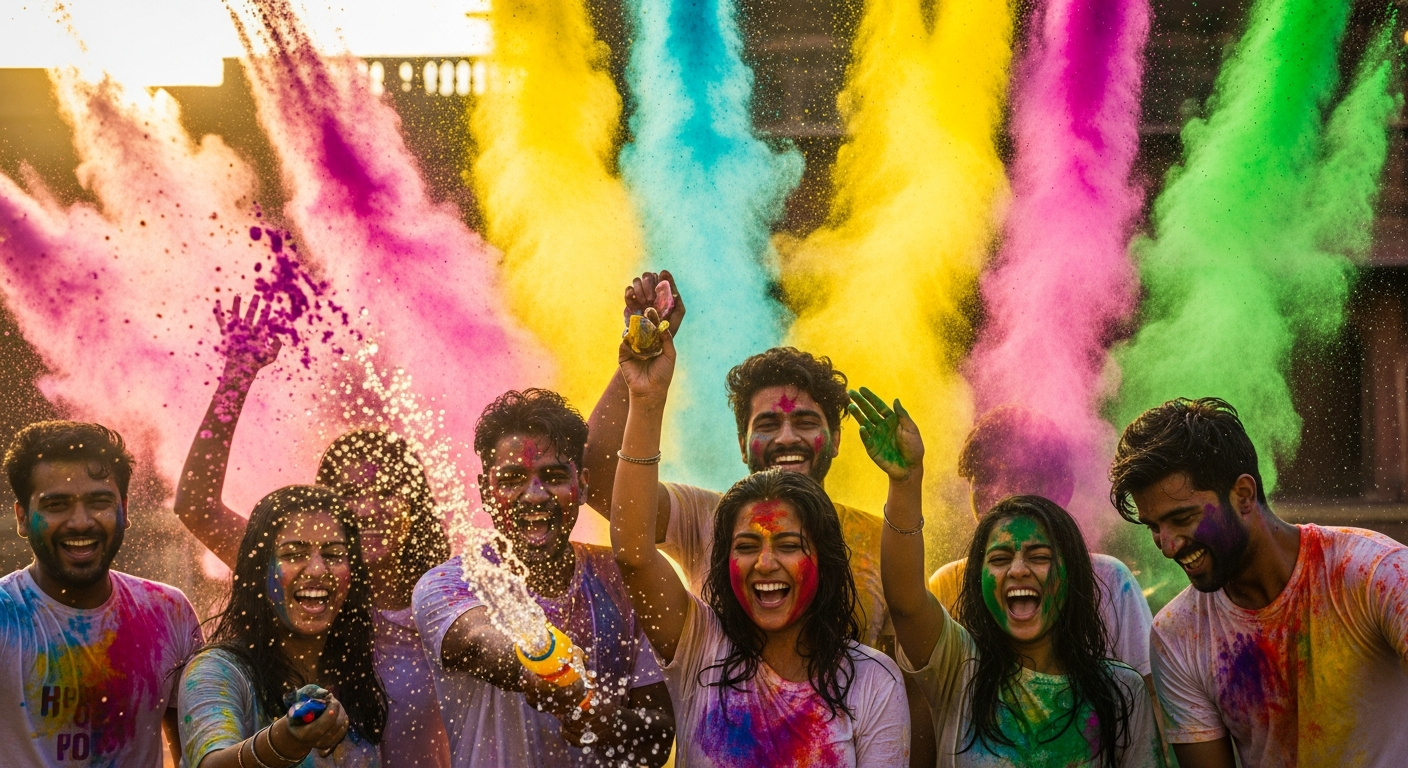
The appeal of vintage photography lies in its imperfections: the warmth, the heavy grain, the accidental light leaks, and the rich, often nostalgic color palette. While AI image generators like Midjourney, DALL-E, and Stable Diffusion excel at photorealism, they truly shine when tasked with recreating the specific technical flaws and color profiles of classic film stocks.
As an AI Art Expert, I’ve compiled the seven most effective prompts incorporating technical keywords that move beyond generic results, allowing you to generate stunning, era-specific images that look genuinely shot on decades-old film.
Prompt 1: Classic Kodachrome 64 Slide Film
This prompt specifically calls out 'Kodachrome 64' to enforce high saturation, deep blacks, and a very fine, tight grain structure typical of professional slide film of that era.
Prompt 2: Instant Polaroid SX-70 Snapshot
Utilizing the 'Polaroid SX-70' keyword ensures the iconic square format, thick white borders, and the characteristic cool, slightly underdeveloped color profile of classic instant film prints.
Prompt 3: Gritty 1970s Cinema Verite
The combination of 'high ISO film grain' and 'film halation' simulates the low-light imperfections and textural grit often seen in 1970s documentary or crime films, achieving a raw aesthetic.
Prompt 4: Soft Focus and Warm Light Leak Effect
Explicitly describing the color (orange and magenta) and location (top right) of the 'light leak' provides granular control, while 'golden hour' enhances the overall warm, romantic mood.
Prompt 5: Aggressive Cross-Processed Film Look
This technique utilizes 'cross-processed film effect' to create drastic color shifts—typically shifting yellows to green and shadows to magenta/teal—resulting in a dramatic, often surreal, aesthetic.
Prompt 6: Lo-Fi Lomo Fisheye View
By specifying 'Lomo film stock' and 'fisheye lens,' the prompt generates the characteristic distortion, vignetting, and intense saturation associated with inexpensive, fun, vintage toy cameras.
Prompt 7: Aged Sepia Toned Daguerreotype
This prompt moves beyond simple monochromatic results by specifying 'selenium sepia tone,' which adds the warm, archival quality characteristic of early 19th-century photographic processes.
Recreating vintage film looks in AI is less about asking for 'vintage' and more about using technical language that specifies the exact imperfections you desire. By controlling elements like film stock (Kodachrome, Lomo), processing technique (cross-processed), and physical flaws (light leak, halation), you can generate AI art that authentically captures the warmth and nostalgia of analog photography.
Frequently Asked Questions
How do I control the size and intensity of the film grain?
Film grain size is usually controlled by mentioning the ISO (e.g., 'high ISO 3200 film grain' creates large, chunky grain, while 'low ISO 50 film' creates minimal or fine grain). Naming a specific film stock like 'Ilford Delta 400' also helps define the texture.
Are these prompts specific to Midjourney, or do they work on DALL-E and Stable Diffusion?
These prompts are effective across all major AI models. While each model interprets artistic terms differently, technical keywords like 'Kodachrome,' 'Polaroid SX-70,' 'light leak,' and 'halation' are universally recognized by modern generative AI training data.
What is 'film halation' and why is it used in vintage prompts?
Film halation refers to the reddish glow or 'bleeding' of light around extremely bright sources (like streetlights or neon signs). It occurs when light passes through the film base and bounces back, and it is a key characteristic of older or high-speed analog photography, adding cinematic warmth.